

Amplify works in your web browser on a computer and in the LeadConnector app on your phone. Same login for both.
Log in on your computer
- Go to app.earnworthy.com. Bookmark it so you can find it again.
- Enter your email and password.
- If you're asked for a verification code, check your email or phone for it and enter it.
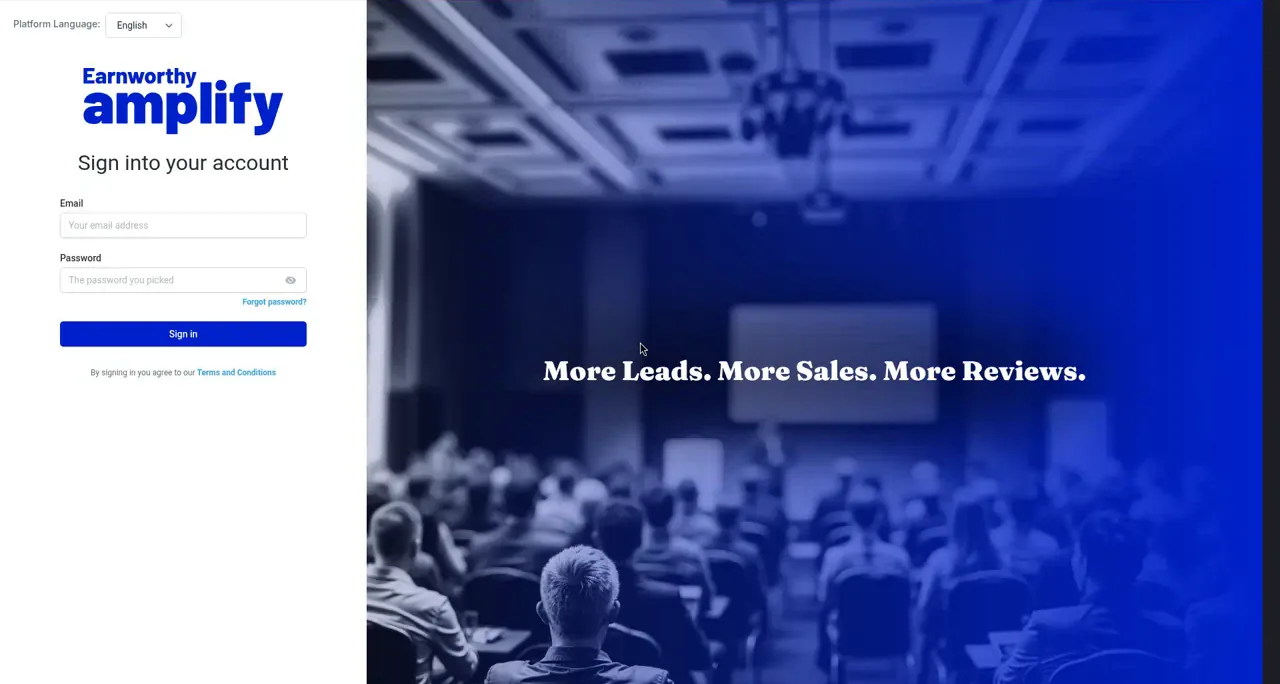
Forgot your password?
Click Forgot password on the login page and follow the email you get. No email after a few minutes? Check spam, then email support@earnworthy.com.
Get the app on your phone
Search for LeadConnector in the App Store or Google Play, log in with the same email and password, and allow notifications. The full walkthrough is in the Mobile App Quick-Start.
Seeing a billing message instead of your account?
If a payment failed, the account pauses until the card is updated. Access comes right back once it's paid. See Billing, Payments, and Updating Your Card.
FAQ
Can my team share my login?
Don't. Each person should have their own login so you can see who replied to what. See Setting Up Your Profile and Users.
I changed my email. What's my login now?
Your login is the email on your profile. If you're locked out, email support@earnworthy.com and we'll sort it out.
Next step: Setting Up Your Profile and Users.